
Turn any long video into short clips for TikTok, Reels and Shorts
Paste a link or upload a file. AI finds the best moments and adds subtitles.
- No watermark
- Cancel anytime
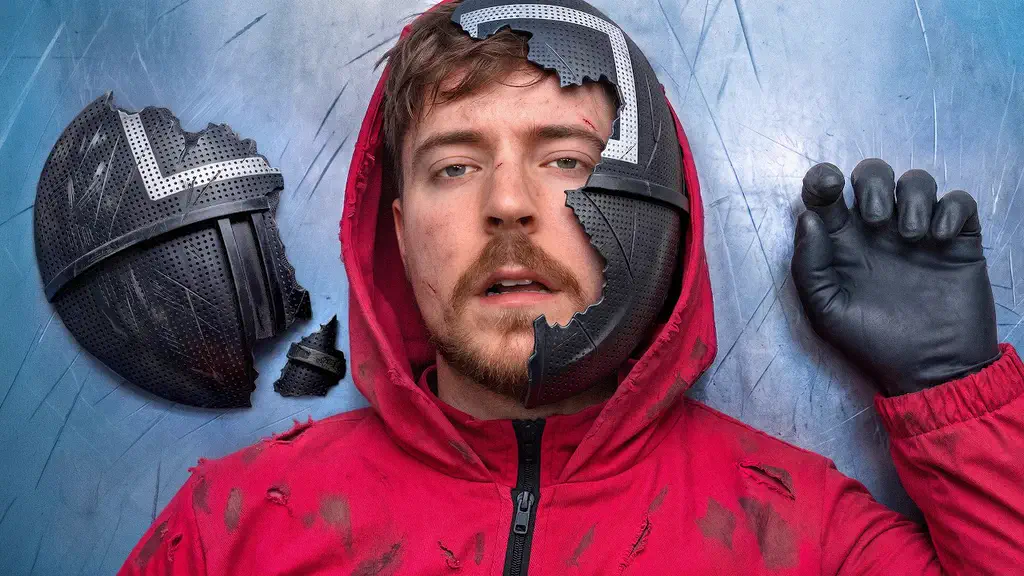
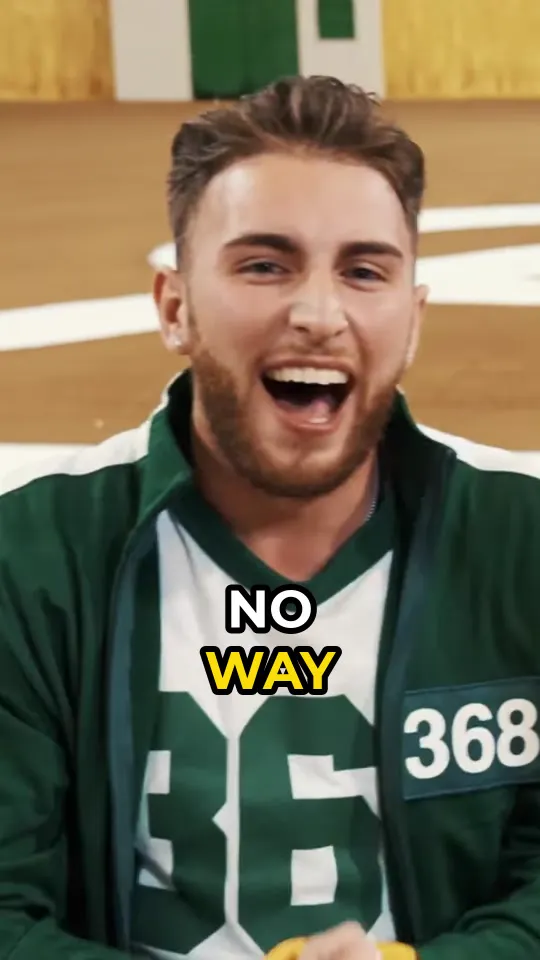
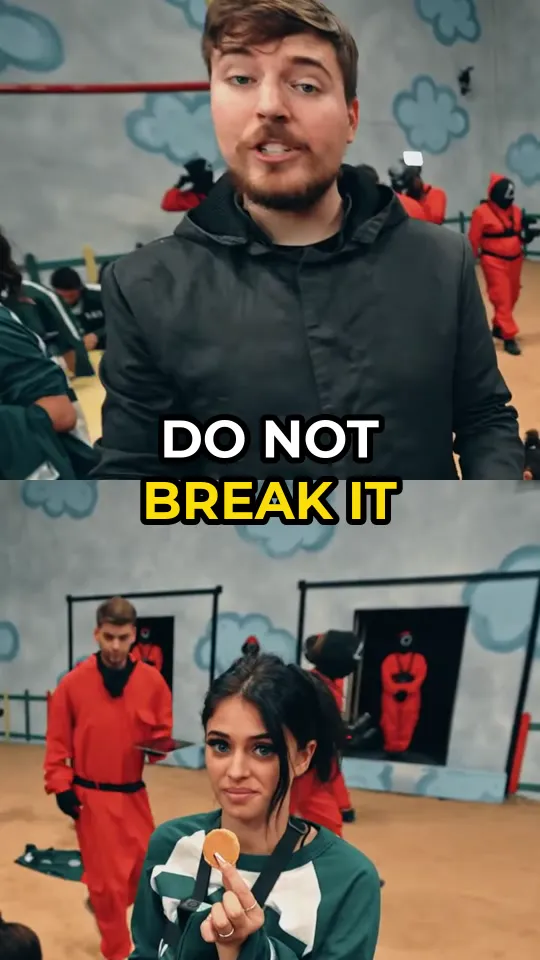

One long video. A week of posts.
Stop editing for hours. Post every day.
- Mon136:00 PM
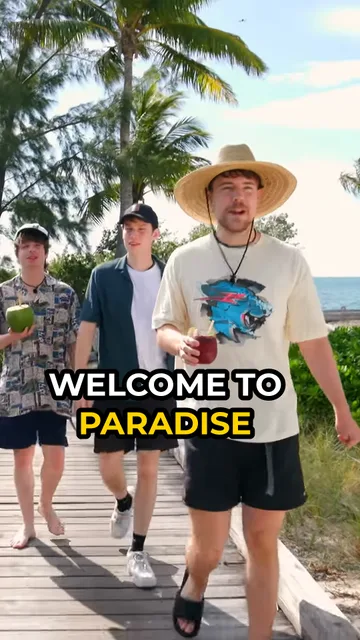
- Tue1412:30 PM
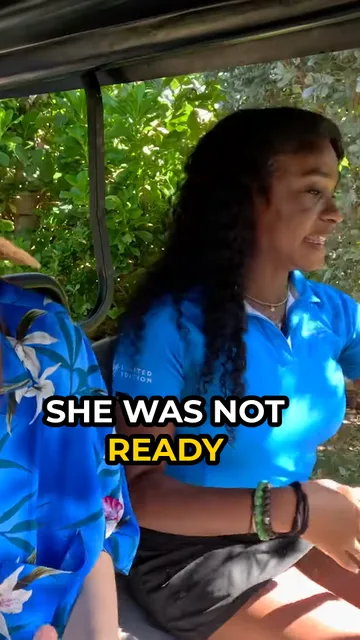
- Wed157:00 PM
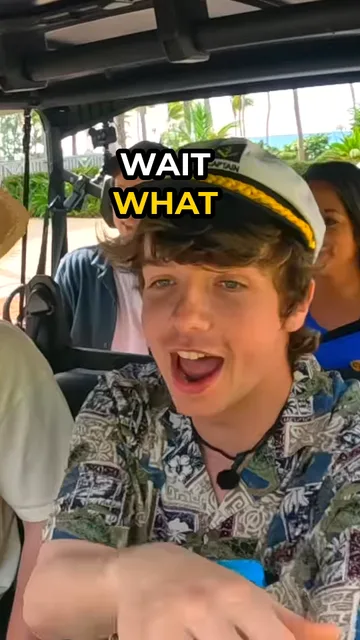
- Thu165:30 PM

- Fri178:00 PM
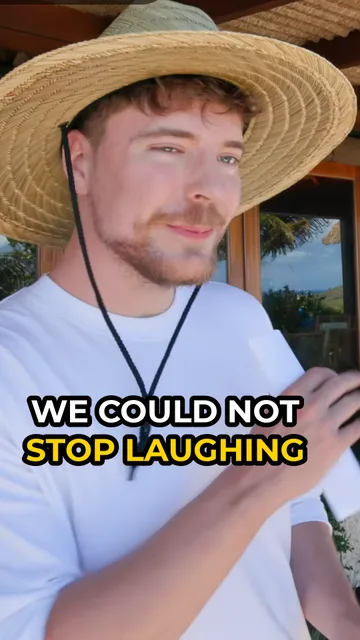
- Sat1811:00 AM
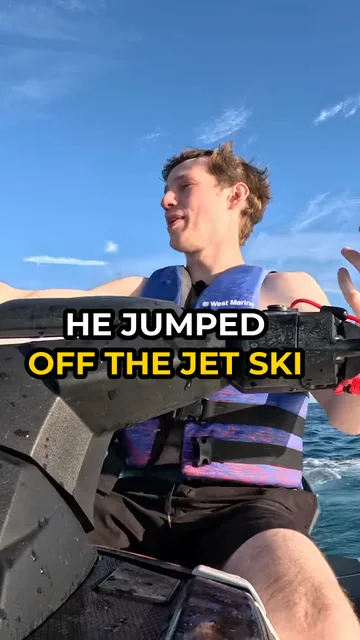
- Sun194:00 PM

More clips a day means more views on your channel and your clipping campaigns.
Everything a clipper needs.
From the long video to a ready post. No editing skills needed.
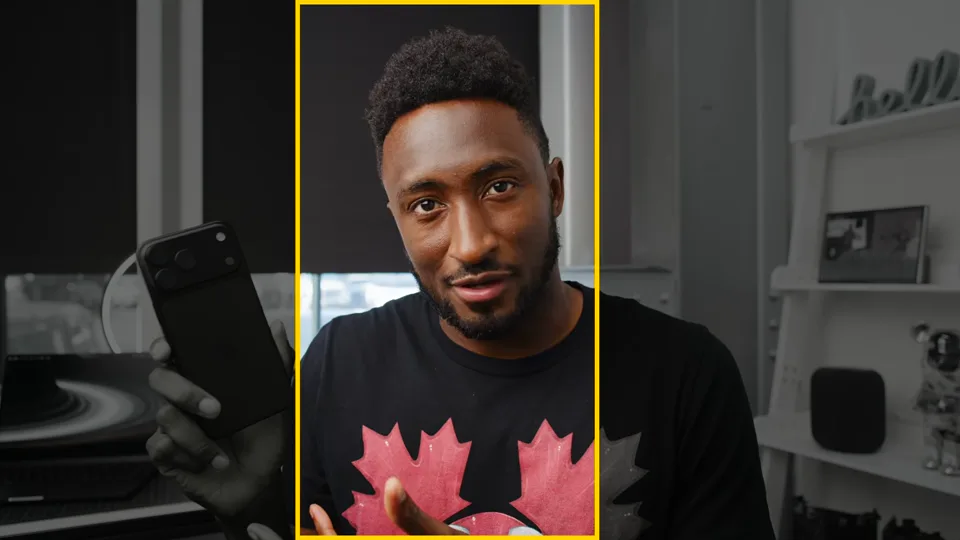
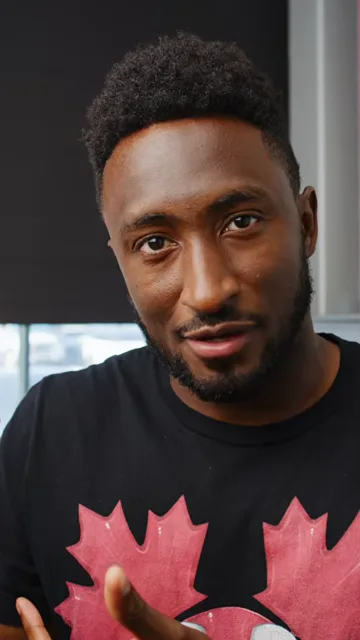
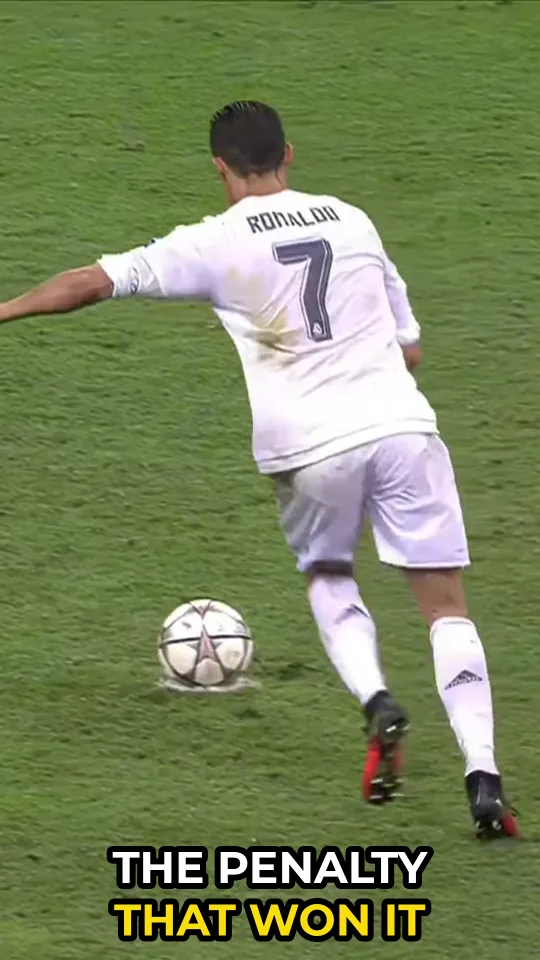
Follows the face
Turns wide video into vertical and keeps the speaker in the frame, even when they move.
Animated subtitles
Big readable captions, the spoken word lights up in yellow.
Subtitles in 15 languages
Translate captions for viewers in other countries. On every paid plan.
 ES
ES EN
EN AR
ARAI voice dubbing
Your clip, spoken in another language with a natural AI voice. On Plus and Max.

Background footage
Add satisfying or gameplay video under your clip, or upload your own.

Smart layouts
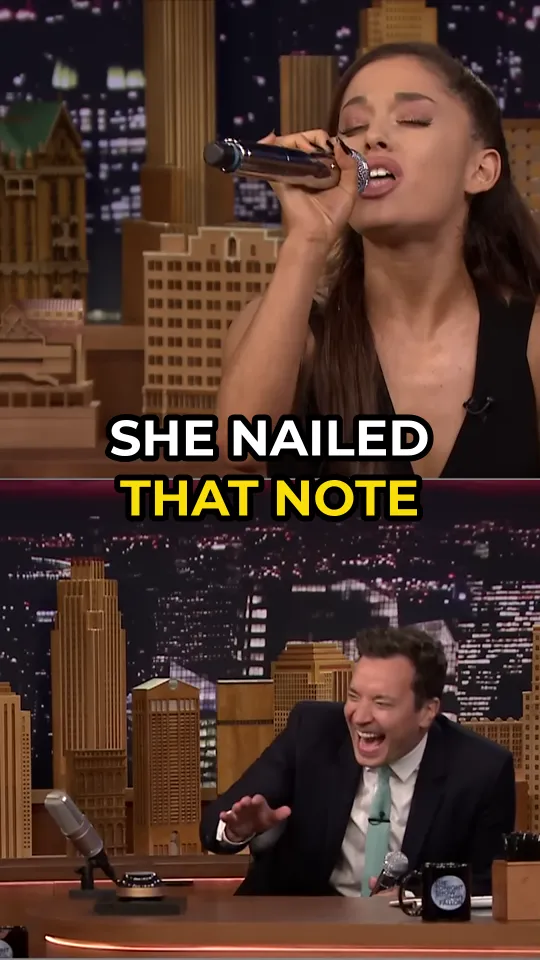
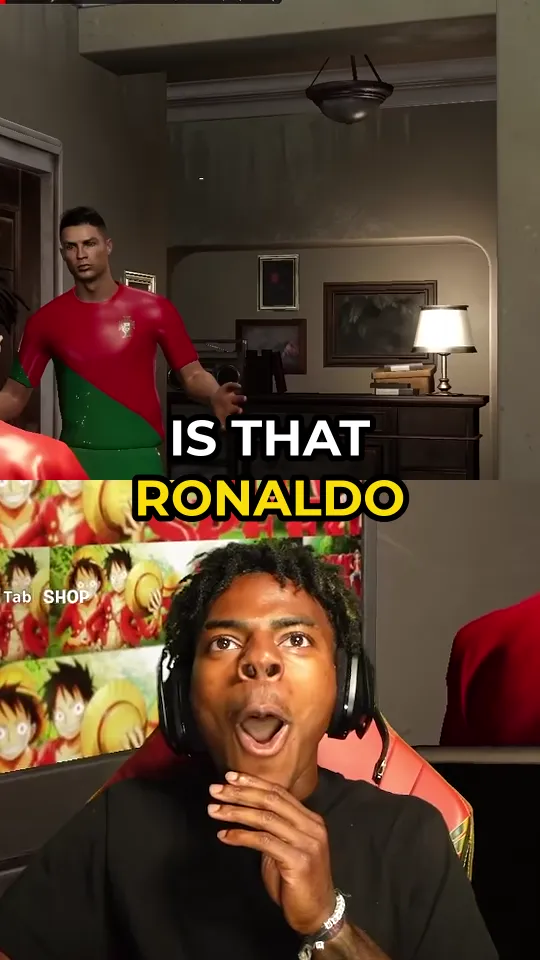
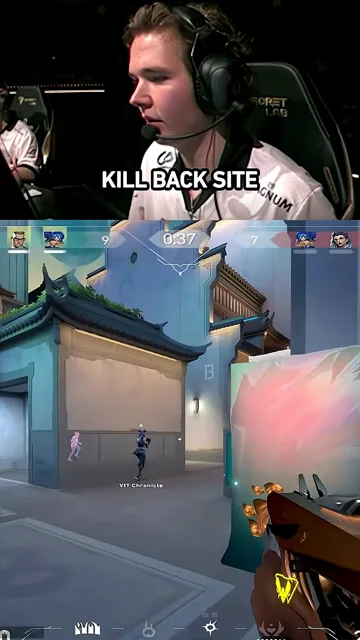
Two people talking get a split screen. Streams get the game on top and the webcam below.
Re-cut by description
Missed a moment? Describe it in your own words and get a new clip.
Edit in your browser
Trim the start and end, fix any word in the subtitles, download.
Or just send it in Telegram.
Send a link to @clipclapio_bot. The clips come back in the chat.
Grow your channel. Then get paid.
More clips mean more views. More views open the door to brand deals.
GROW
Post every day. Watch it add up.
Daily clips from your long videos keep your channel active on TikTok, Reels and Shorts.
Illustration. Results depend on your content and audience.
EARN
Already have an audience? Get paid for your views.
Advertisers pay to put a banner on top of your clips, around $200 per million views. Open to ClipClap customers on a paid plan.

Which plan is right for you?
New customers
Starter
€3.99€1.99
first week, then €3.99 a week
- 60 min / week
- 20 clips, kept 7 days
- No voice dubbing
- Videos up to 3 hours
- Subtitles in 15 languages
- All backgrounds, or upload your own
- 3 re-cuts per video
- Advertiser program
Most popular
Plus
€29/month
€6.44 per 100 source minutes
- 450 min / month
- 150 clips, kept 30 days
- 3 min voice dubbing / month
- Videos up to 3 hours
- Subtitles in 15 languages
- All backgrounds, or upload your own
- 3 re-cuts per video
- Advertiser program
Max
€89/month
€5.93 per 100 source minutes
- 1,500 min / month
- 1,000 clips, kept 90 days
- 10 min voice dubbing / month
- Videos up to 3 hours
- Subtitles in 15 languages
- All backgrounds, or upload your own
- 3 re-cuts per video
- Advertiser program
Prices exclude sales tax or VAT, which is added at checkout. No watermark on any plan. Cancel anytime.
Questions? Answers.
How much do paid plans cost?
Starter is €3.99 ($4.49) a week for 60 minutes of video, or €12 ($13.99) a month for 200 minutes. Plus is €29 ($32.99) a month for 450 minutes. Max is €89 ($99.99) a month for 1,500 minutes. No plan adds a watermark.
How do I start?
Paste a video link or upload a file at the top of this page and press Get clips. Sign in with Google or email. It works on your phone too, in the browser or in our Telegram bot.
Can I post the clips right away?
Yes. Clips come out vertical for TikTok, Reels and Shorts, with the speaker in the center and subtitles added. If you want a change, open the clip in the editor to cut the start or the end and fix any word in the subtitles.
How many clips will I get?
About 4 clips from a 15 to 20 minute video, and more from long videos. Most clips are 20 to 60 seconds long. When two people talk, the clip shows both of them on a split screen.
A clip is boring or ends too early. Can I fix it?
Yes, at no extra cost. Write the moment you wanted, for example "the part where he laughs", and ClipClap makes a new clip from it. You get 3 re-cuts per video.
How long does it take?
About 5 minutes for a 15 to 20 minute video. Long videos take more time. You can close the page: your clips will wait in your account. In Telegram, the bot sends them to your chat.
My video is too long. What can I do?
Paid plans accept videos up to 3 hours. For a longer video, sign in, press "Only part of the video?" in the upload box and choose the part you want.
Why doesn't my link work?
We support YouTube, Twitch and TikTok links. Private videos, age-limited videos and live broadcasts that are still going can't be opened. In that case, save the video to your device and upload the file (up to 2 GB). Videos must be at least 60 seconds long.
Does it work in my language?
Yes. ClipClap understands the language of your video, including Spanish, Portuguese, Russian, Hindi, Arabic and Indonesian. On paid plans you can also translate the subtitles into 15 languages. On Plus and Max, an AI voice can speak your clip in another language.
Can I use videos of other people?
Your own videos: yes, always. Other people's videos: only with the owner's permission, for example in a paid clipping campaign. ClipClap does not give you rights to anyone's video. Platforms may not pay for plain reposts, so add your own title or comment.
What happens to my videos?
The video you upload is deleted 24 hours after your clips are ready, and all its copies within 7 days. Your clips are private: only you can see them. We don't use your videos to train AI.
Can I cancel any time?
Yes. Cancel in Billing in your account, or in the Telegram payment chat if you paid in Telegram. Your plan works until the end of the period you paid for. If a video fails, your minutes come back automatically.
Can ClipClap make a video from text or photos?
No. ClipClap cuts clips from a video you already have. It does not create new videos.
Have questions?
Write to us. A real person answers, usually within a few hours.